Programming with Joystick on Linux
Was trying to figure out a way to programatically use the Cyborg Controller lying around in the lab. My final objective is to control objects and view points in RViz. In this blog, I will explore how to get inputs from it with a C/C++ program.
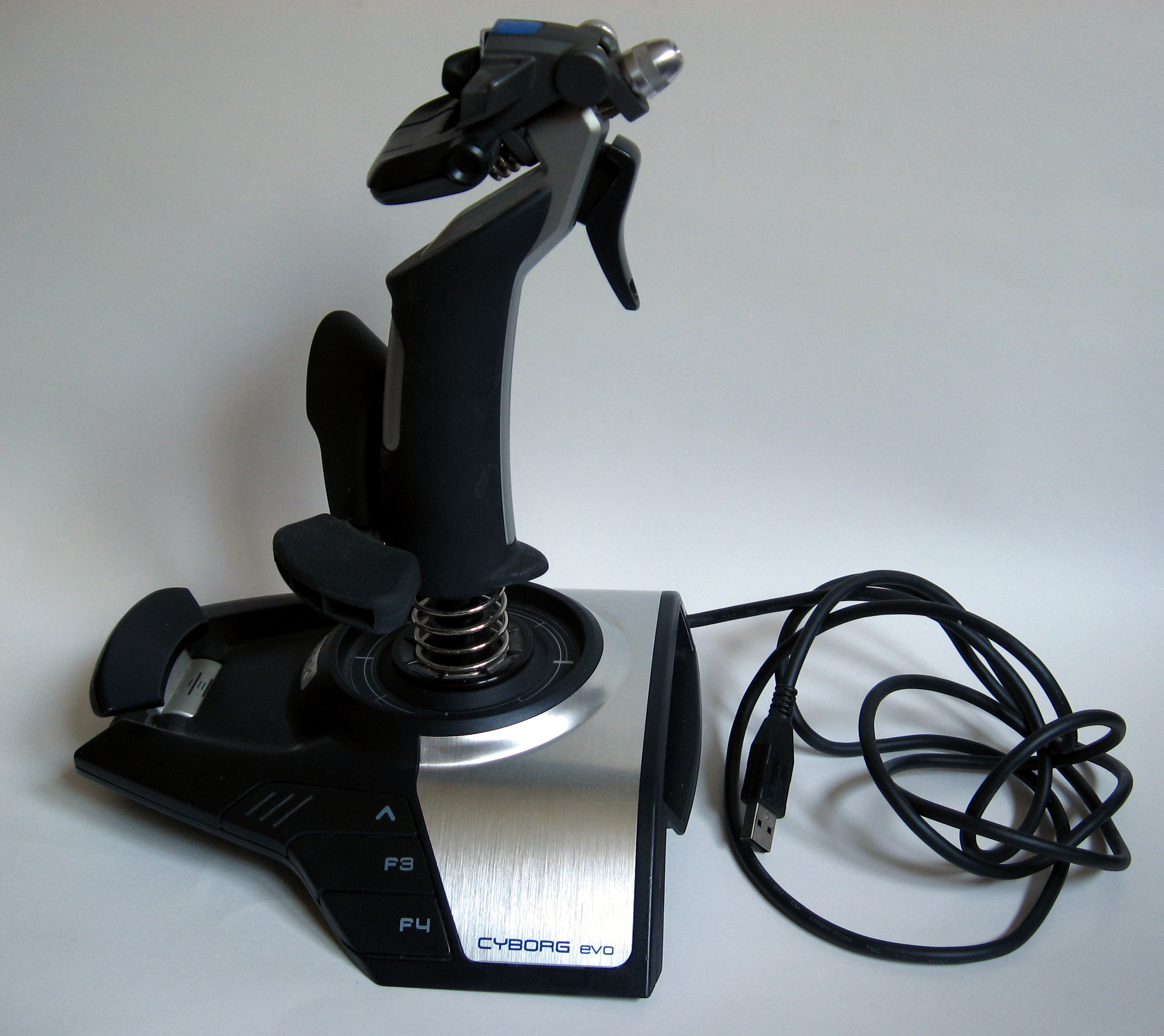
The Linux kernel provides an API to control this. As everything else, a joystick is also treated as a file. You can see your device listed in /dev/input. It is actually a very easy to use API. The documentation can be found at : https://www.kernel.org/doc/Documentation/input/joystick-api.txt
Sample Program : [.cpp]
Compilation Instruction :
Just compile the file with g++, no special flags needed.
#include <stdio.h>
#include <sys/types.h>
#include <sys/stat.h>
#include <fcntl.h>
#include <unistd.h>
#include <stdlib.h>
#include <string.h>
Include the standard Linux headers.
struct js_event {
    unsigned int time;      /* event timestamp in milliseconds */
    short value;            /* value */
    unsigned char type;     /* event type */
    unsigned char number;   /* axis/button number */
};
A struct to receive an event data into.
#define JS_EVENT_BUTTON         0x01    /* button pressed/released */
#define JS_EVENT_AXIS           0x02    /* joystick moved */
#define JS_EVENT_INIT           0x80    /* initial state of device */
Joystick produces 2 types of events (struct js_event.type) viz, button events and axis events.
int main() {
    int fd = open("/dev/input/js0", O_RDONLY);

    if (fd < 0)
        printf("cannot open dev\n");
    else
        printf("opened success...:)\n");
Make sure the device can be opened.
    struct js_event e;
    while (1) { // event loop
        read(fd, &e, sizeof(e));
        // printf("%d %d %d %d\n", e.time, e.value, e.type, e.number);

        if (e.type == JS_EVENT_BUTTON || e.type == JS_EVENT_AXIS) {
            if (e.type == JS_EVENT_BUTTON)
                printf("button#%d value:%d\n", (int)e.number, e.value);
            else
                printf("axis#%d value:%d\n", (int)e.number, e.value);
        } else {
            printf("Init Events\n");
        }
    }

    return 0;
}
The while loop makes a call to read. Note that this call is a blocking call. Which means, the function read() does not return unless there is an event. This behavior is undesirable if using this code into a ros-node (spinOnce() loop). For non-blocking make the open() call as –
int fd = open("/dev/input/js0", O_RDONLY | O_NONBLOCK);
Caution: The non-blocking calls is actually polling the device. One should use a sleep() call in the while-loop to control the polling rate.